Apple Silicon Native
Runs seamlessly on M1/M2/M3/M4 unified memory architectures via Osaurus engine for maximum throughput.
The thin, honest macOS front-end for Hugging Face — a unified surface for the 8b-is stack. Driven by Osaurus for MLX local inference, entheai for agent decomposition, deepsiper-enthea for the sovereign agent harness, MEM8 for wave memory, ayeOS for ternary inference, MLX-QUANT for Metal kernels, HF Accelerate for MPS training, and hf-mount for repo filesystems — all under one ternary identity: {-1, 0, +1}.
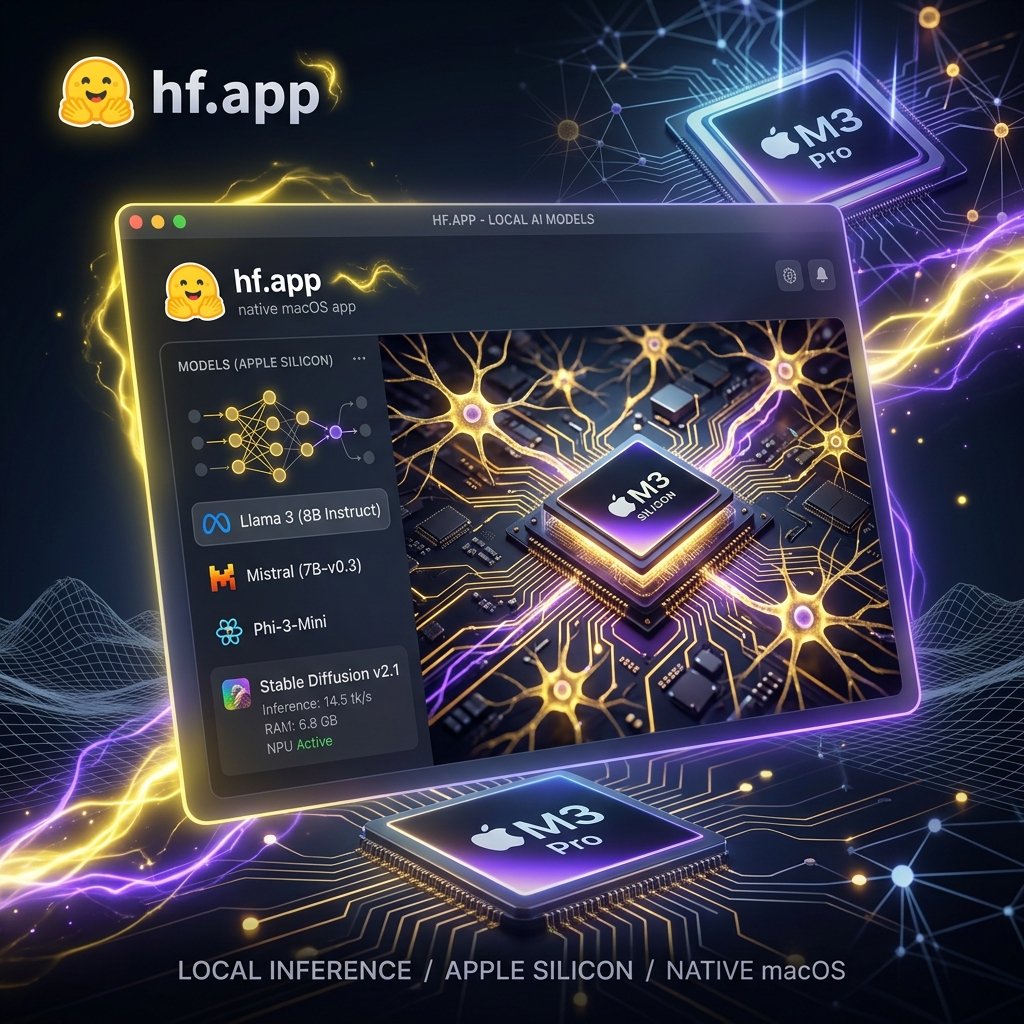
Real native macOS app performance with complete data sovereignty and instant accessibility.
Runs seamlessly on M1/M2/M3/M4 unified memory architectures via Osaurus engine for maximum throughput.
Instant model discovery across Hugging Face Hub repositories with model metadata, tags, and pull triggers.
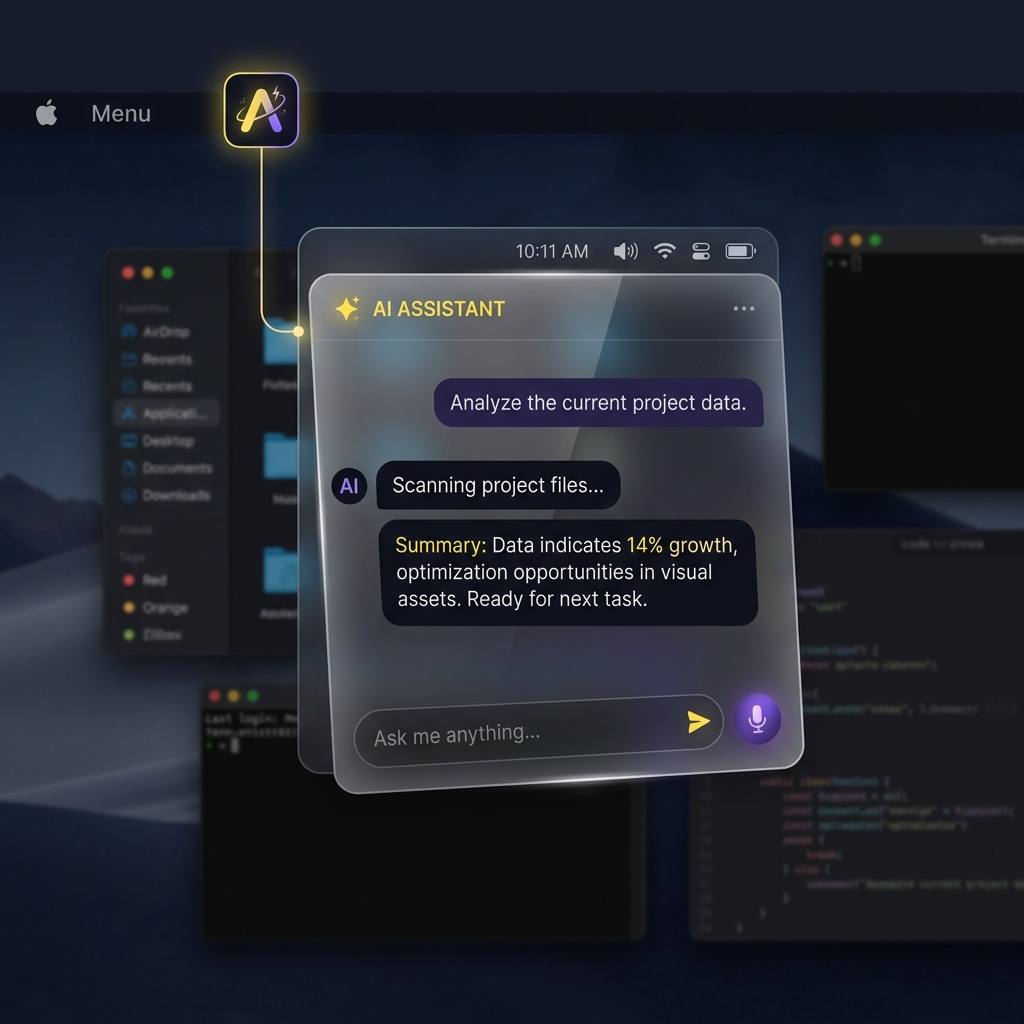
Work from a full workspace window or summon the quick prompt agent anytime directly from your macOS Menu Bar.
Intent classification (Code, Math, Summary, Creative) that dynamically routes prompts to specialized local models with expert system prompts.
Wave interference recall with entheai-aligned frequency-band classification. On-device, deterministic, zero network — the same algorithm as the Rust memory-pp NativeMesh.
Deterministic LINOSV-seeded ternary matrices at 12.80× compression. MEMNET protocol daemon bridged to MLX-QUANT Metal kernels for BitNet b1.58 inference.
Spawn the entheai agent as a subprocess for fan-out decomposition, codebase analysis, and project-wide operations — all from the Ecosystem tab.
A third Run backend — shifulegend/project-zero, a dependency-free C99 engine serving {-1,0,+1} inference locally on :8090. The same law, no GPU. wiring ↗
Connect to a local MiroFish — a swarm-intelligence engine that simulates thousands of agents over seed material, then returns a prediction report. Backend :5001, over HTTP. AGPL stays a separate process. wiring ↗
deepsiper-enthea drives Osaurus through its llm-osaurus provider seam. hf.app owns the weights and the MLX server on localhost:1337; the harness owns the agent loop, tools, and session log — including voice (say/kokoro), GAIA ternary quantization, and the Smart Tree MCP overlay. wiring ↗
VoiceBackend protocol with swappable Apple-native or 8b-native Rust sidecars (kokoro-tiny TTS, liquid-rust STT). On-device, zero telemetry.
Browse → pull → recall → route → infer → chat. Hover a stage to see what moves through it — no stage touches a cloud.
Hover a stage to see what moves through it.
Type a prompt — or pick an example — and watch the on-device classifier pick a domain expert and a local model. This is the same logic MoEOptimizer.swift runs inside the app.
any active Osaurus modelconcise, high-throughput general assistantA thin SwiftUI shell over engines that own the heavy work.
hf.app acts as an honest interface layer. It never embeds bulky weights or runs heavy background telemetry. Everything heavy is executed on-device by Osaurus on localhost:1337.

Browse models on Hugging Face Hub → pull into Osaurus → MEM8 wave recall → MoE auto-route → ayeOS ternary inference → chat locally. The full 8b-is stack: Osaurus (inference), entheai (agent), MEM8 (wave memory), MLX-QUANT (ternary), ayeOS (daemon).
@Observable AppState + ProcessManager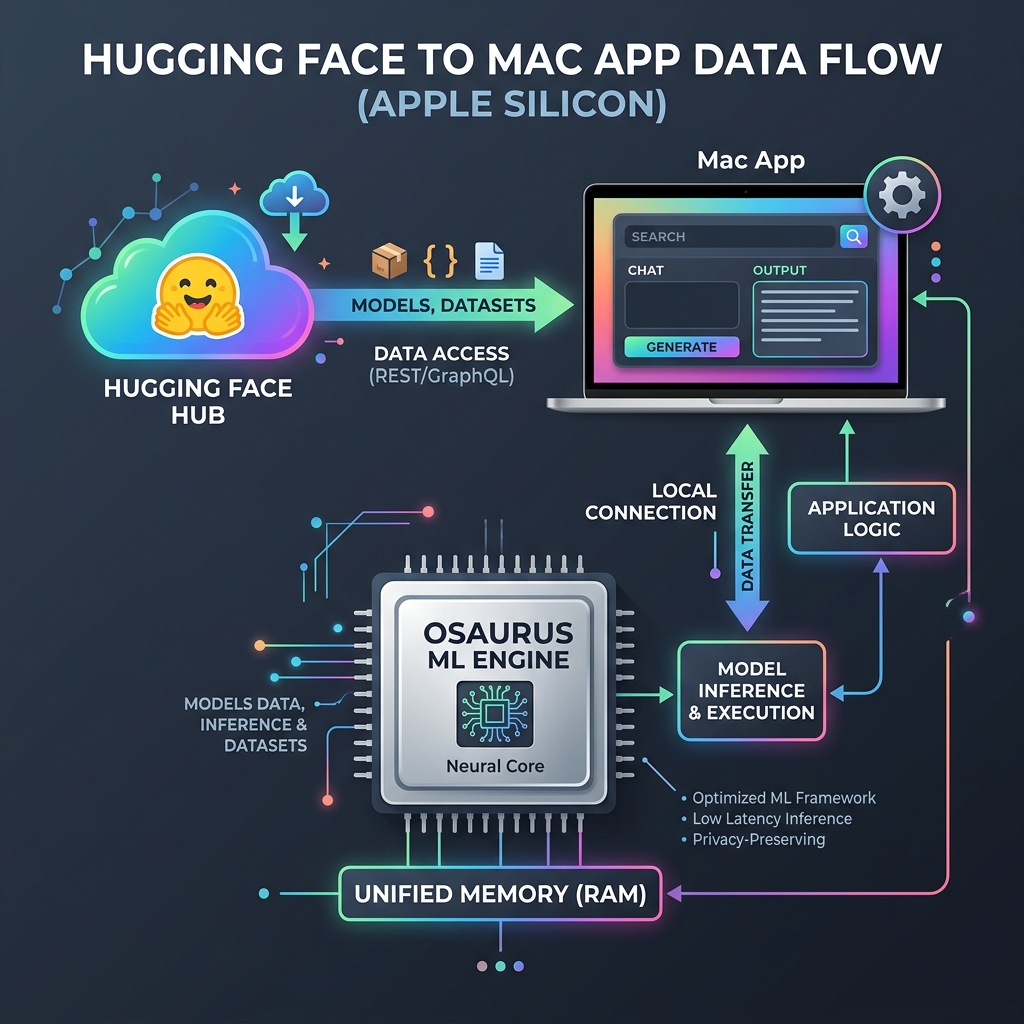
Zero-latency prompt intent classification directly inside the Swift app. Automatically detects code, math/reasoning, summarization, or creative prompts and routes them to specialized local models.
Need a fast code snippet, translation, or summary? Hit your menu bar icon anytime to open the quick prompt window without interrupting your workflow.
Everything you need to run, build, and extend hf.app on your Mac.
1 · Get the app. Download the latest .dmg (v0.15.0), open it, and drag hf.app into Applications. It's Developer-ID signed & notarized, so it opens with no Gatekeeper warning — no xattr dance.
2 · Get the engine. Install Osaurus and start it on localhost:1337. hf.app is the thin front-end; Osaurus owns the weights, MLX, and serving.
3 · Pull & run. Pull a model in Osaurus (Llama, Qwen, Phi…), then hit Refresh in the Run tab of hf.app. Real tokens/sec, fully on-device — your HF token stays in the macOS Keychain.
Needs the Xcode Command Line Tools. Builds with SwiftPM — no Xcode project required:
git clone https://github.com/8b-is/hf-mac.git
cd hf-mac
swift run
Sources/HFMac/Ten single-responsibility files, ~1,600 lines total. hf.app drives Osaurus for inference, entheai for agent tasks, and ayeOS for ternary inference — it never bundles weights or a model runtime. Read by layer:
@main App — WindowGroup + MenuBarExtra, holding the @Observable AppState the whole UI reads.
186 loc
ExpertDomain) and intelligent local model auto-router.
90 loc
wave.rs to native Swift. Frequency-band encoding + interference scoring. Same algorithm as entheai's Rust mesh.rs wave_scorer. On-device, deterministic.
140 loc
AVSpeechSynthesizer/SFSpeechRecognizer plus ProcessVoiceBackend for 8b-native Rust sidecars (kokoro-tiny TTS, liquid-rust STT). Swappable at runtime.
200 loc
HubClient (HF Hub REST), OsaurusClient (OpenAI /v1 chat), ProjectZeroClient (local C99 ternary, :8090), AyeosClient (MEMNET UNIX socket), EntheaiClient (subprocess agent), Toolchain (PATH resolver), ProcessManager (lifecycle).
430 loc
SpaceWebView — embeds a live Hugging Face Space (*.hf.space) so quantum games, Gradio, and static apps run on the desktop; caches visited assets.
40 loc
The MoEOptimizer module (Sources/HFMac/MoEOptimizer.swift) performs on-device intent classification before sending prompts to your local Osaurus server. It evaluates user input across five domain experts:
coder/qwen models.reasoning/r1 models.let route = MoEOptimizer.optimize(
prompt: text,
chatHistory: chat,
availableModels: osaurusModels
)
// route.domain → classified ExpertDomain
// route.recommendedModelID → auto-routed Osaurus model
// route.formattedMessages → messages with expert system framing
The app holds two secrets — your Hugging Face token and the optional Osaurus key — in the system Keychain via macOS Security.framework (kSecClassGenericPassword, service hf.app). Never written to disk in the clear. Full policy: SECURITY.md.
Two entitlement sets, on purpose: the Developer-ID build is sandbox-free (it execs local companions — entheai, ayeosd, hf-mount, python3), while the App Store build keeps the sandbox. A guard (scripts/check-entitlements.sh) probes both through AMFI before signing.
<!-- Developer-ID / OSS build: NO sandbox — it execs local companions.
     Packaging/hf-mac-devid.entitlements -->
<?xml version="1.0" encoding="UTF-8"?>
<plist version="1.0"><dict/></plist>

<!-- Mac App Store build: sandboxed (Packaging/hf-mac.entitlements) -->
<dict>
    <key>com.apple.security.app-sandbox</key>
    <true/>
    <key>com.apple.security.network.client</key>
    <true/>
</dict>
The Xcode project is generated from project.yml (XcodeGen) over the same Sources/HFMac — the .xcodeproj is git-ignored, so project.yml is the source of truth. Generate it, then open:
brew install xcodegen     # once
xcodegen generate         # writes HFMac.xcodeproj
open HFMac.xcodeproj       # ⌘R to run · Product ▸ Archive to package
Press ⌘R to run, or Product ▸ Archive for a release build. The shared HFMac scheme is what both Xcode and Xcode Cloud use. Signing is automatic (Team 7CFQYBX575); for an unsigned local build add CODE_SIGNING_ALLOWED=NO to an xcodebuild invocation.
Two tracks, one codebase. Full runbook: APP_STORE.md · PUBLISHING.md.
① Developer-ID DMG (OSS / direct download). Push a v* tag and GitHub Actions builds → Developer-ID signs → notarizes + staples → cuts a Release. Runs on Blacksmith Apple-Silicon runners.
git tag v0.15.0
git push --tags      # → notarized .dmg on Releases
② Mac App Store / TestFlight via Xcode Cloud with Apple-managed signing — no manual certs. The app record is live: hf.app, Apple ID 6794829098. Open the generated project, choose Product ▸ Xcode Cloud, pick the HFMac scheme, and archive → TestFlight. The ci_scripts/ hooks regenerate the project and stamp the build number automatically.